Active@ Partition Manager
Advanced tool to create, format and edit disk partitions
Active@ Partition Manager helps you manage storage devices and the logical drives or partitions that they contain.
You may create, delete, format and name partitions on your computer without shutting down the system. Most configuration changes take effect immediately.
Supports the most popular file systems such as FAT, NTFS, exFAT, ReFS, HFS+, Ext2/Ext3/Ext4, BtrFS, UFS, XFS, JFS.
- Improved editing NTFS volumes having large cluster size
- Qt framework upgraded to version 5.12.5
- Minor bug fixed and improvements
Full access to non-bootable PC
Ability to start non-bootable PC to get exclusive access to the local disks and system
Loads from CD, DVD or USB flash drive
Starts from a CD, DVD or USB flash drive (appropriate BIOS settings required)
Network access
Network access via TCP/IP, network configurator is included
Removable Boot Disk media
Boot Disk media may be removed from the system after successfully booting the system
Multi-boot support
Multi-boot or dual-boot functionality (DOS + Windows)
Data recovery tools
Recovery utilities recover deleted files, or recover data from deleted/damaged partitions
Key Features
Support most file systems
Recognize volumes/partitions formatted as FAT, NTFS, exFAT, ReFS, HFS+, Ext2/Ext3/Ext4, BtrFS, UFS, XFS, JFS
Manage partition or logical drive
Create, Delete, Resize a partition or logical drive/volume on FAT, exFAT, NTFS
Format partition
Format a logical drive or partition (FAT, exFAT, NTFS)
Resize partitions
Resize logical drives (volumes)
MBR to GPT conversion
Convert MBR to GPT or GPT to MBR
Edit and synchronize boot sectors
Edit and synchronize boot sectors of FAT, exFAT, NTFS, UFS, HFS+, Ext2/Ext3/Ext4 and Partition Table
Rollback partition changes
Rollback partition layout changes, such as create, delete, format partition and disk initialization
Initialize new disks
Initialize new disk as MBR or GPT or fix MBR (GPT) on damaged disk
Large FAT32 partitions
Create FAT32 partitions greater than 32GB in size (up to 1TB)
NTFS on USB Flash
Format a Flash memory as NTFS
Multiple USB partitions
Create several partitions on a USB flash memory device
Mark partition as active, change attributes
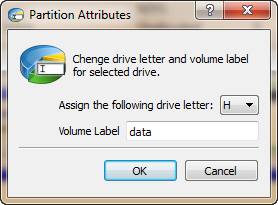
Assign or change partition attributes, drive letter etc, mark partition as active
Detailed information
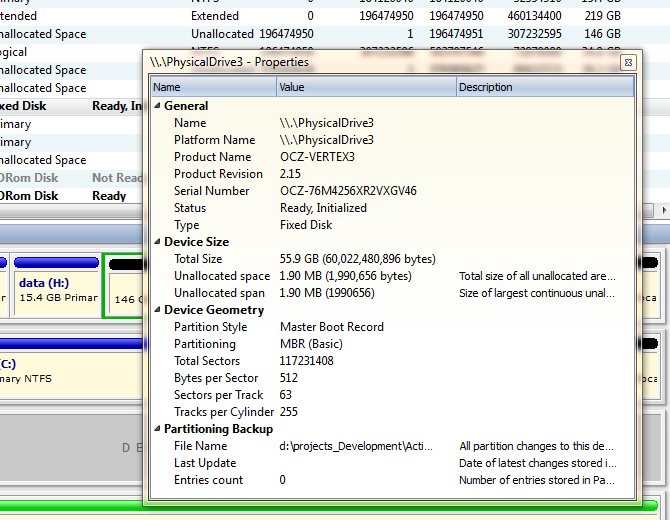
View advanced properties and attributes of a partition, logical drive or hard drive/disk
Extensive Windows support
Supports Windows 11, Windows 10, Windows 8, Windows 7, Vista, XP, Windows 2003, 2008, 2012, 2016, 2019, 2022 Servers, WinPE
Active@ UNDELETE Features
Active@ Partition Manager is a separate, lightweight module of Active@ UNDELETE - advanced data recovery toolbox
Restore deleted or damaged partitions
Restores lost partitions and disks back to working state
Recover deleted files or files from deleted or damaged partitions
Finds and restores lost data from partitions, including lost or damaged ones
Recover data from damaged RAIDs
A disassembled RAID array can be virtually recreated and files located on the array can be recovered
Low level disk editing
Inspect and edit partitions and file structure in an advanced editor
Create and open Disk Images
Works with disk images, as well as with physical disks
Scan for files by their signatures
Find files by their unique format specification even if the files cannot be found as part of the File Table
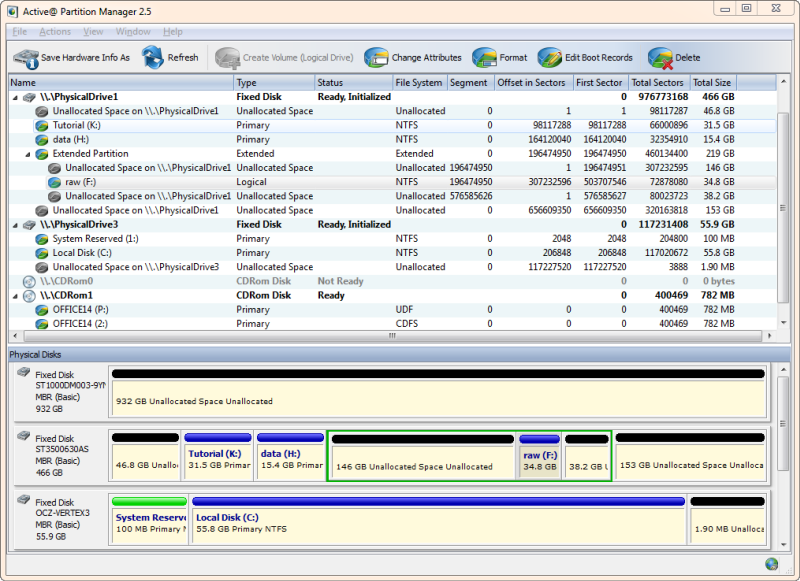
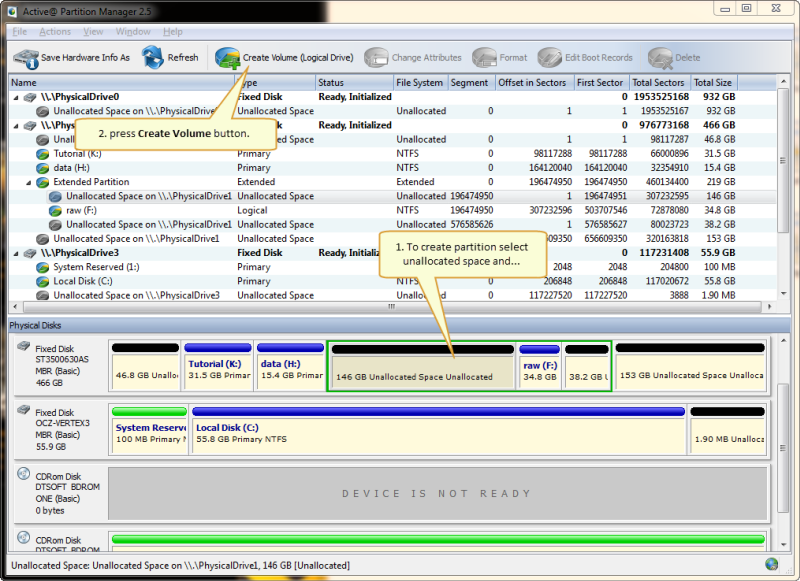
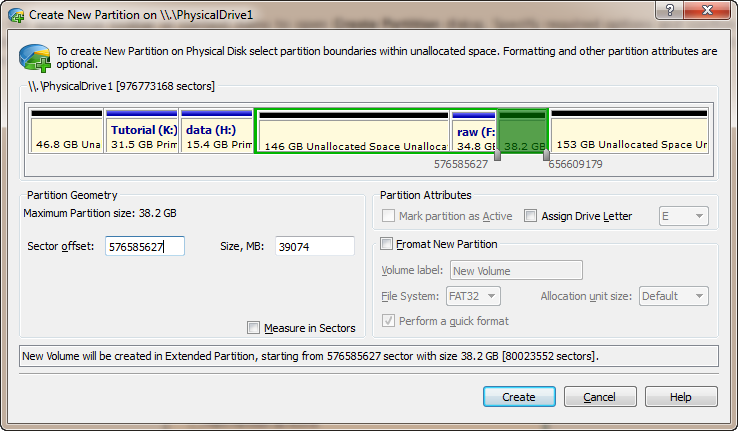
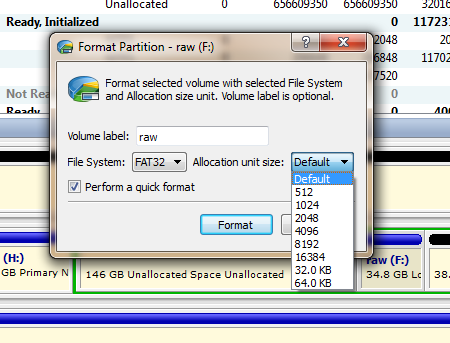
Screenshots